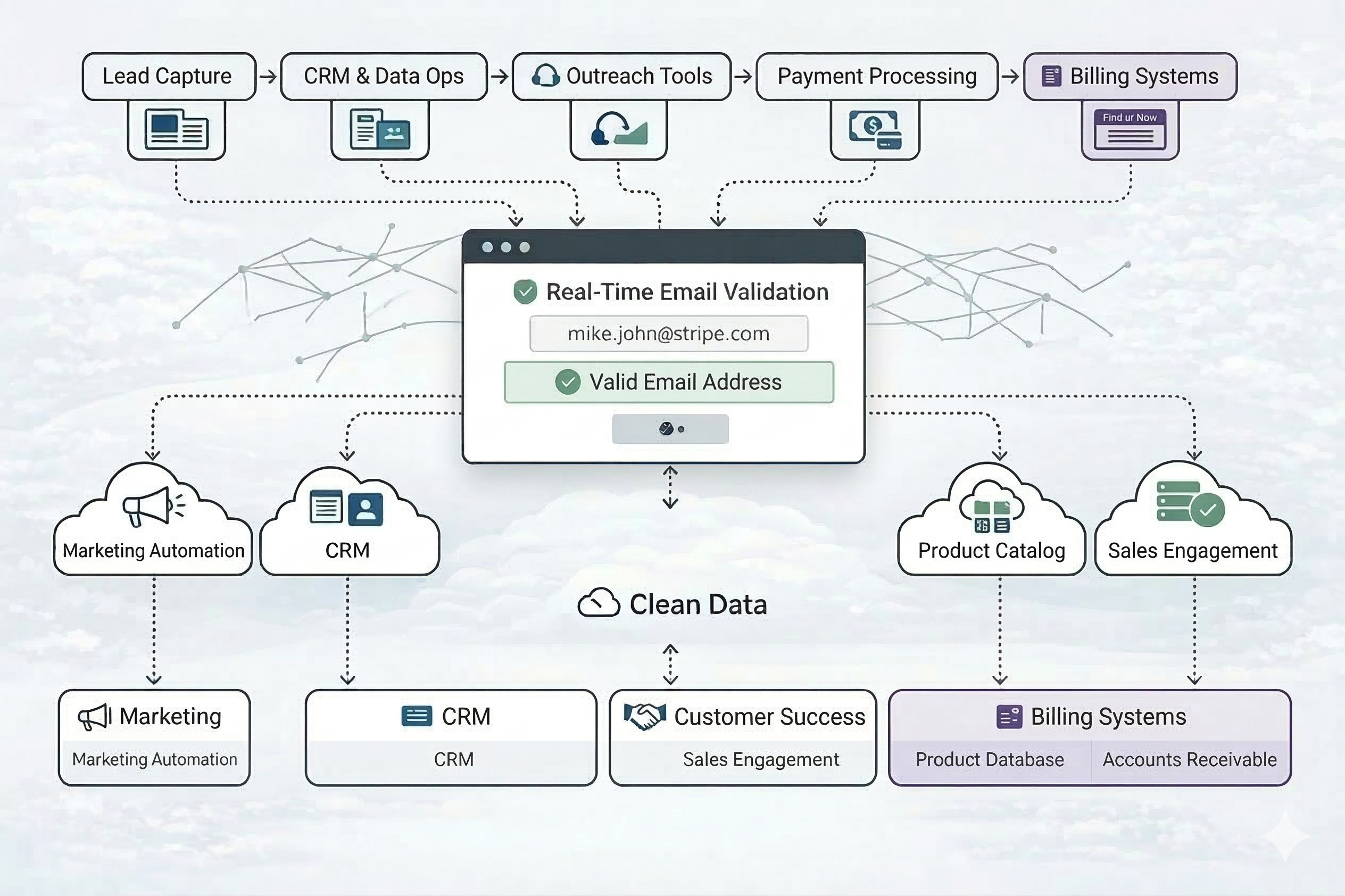
Email Validation for GTM workflows
Email Validation for GTM workflows
Instant ValidationValidate emails instantly at the point of capture before they enter your system.
| Quick Validation |
Bulk ValidationUpload large lists (CSV/XLSX) and validate them at scale.
| Bulk Validation |
API-Based ValidationIntegrate Clearout directly into your backend or data pipeline for automated validation. | Email Verify |
| Safe to Send Value | Description |
|---|---|
| Yes | Sending emails to these addresses is safe, provided emails are sent within 24 hours of the verification time. |
| Risky | There is some risk associated with sending to these addresses. They are generally usable when the bounce rate must remain below 5% or when using your own sending infrastructure instead of an external Email Service Provider (ESP). |
| No | Invalid email addresses that you should avoid sending to. |
| Unknown | The status of the email cannot be determined at this time due to external or temporary factors. |
| Primary Status | Description |
|---|---|
| Valid | A valid email address has been verified as a real mailbox that is currently accepting email. |
| Invalid | An invalid email address has been verified as a bad recipient that does not exist or is not accepting email and will result in a bounce. |
| Catch All | It's a domain-level setting that accepts messages sent to any address under the domain, including invalid ones. Messages may be rejected later due to spam filters, mailbox limits, or security rules, so the "safe to send" status is marked as "risky". |
| Unknown | This unknown status occurs when Clearout fails to receive a response from the recipient’s mail server. This event often occurs when the mail server is slow or temporarily unavailable. In some cases, retrying later returns a valid or invalid result. |
| Code | Reason | Description | Primary Status | Bounce Type |
|---|---|---|---|---|
| 200 | Success | This email address is valid and safe to send emails. | Valid | |
| 400 | Syntax error | A syntax error in an email address occurs when the address does not follow the proper format defined by email standards (RFC 5322). | Invalid | Hard |
| 401 | Probably Spamtrap/Honeypot | These email addresses are believed to be spam traps and must not be used for sending. | Invalid | Soft |
| 402 | Mail server connection timeout | Unable to connect to the mail server within the expected time; retry later. | Unknown | |
| 403 | Domain was not found | This email address is valid in syntax, but the domain doesn't have any records in DNS or have incomplete DNS Records. | Invalid | Hard |
| 404 | Not a Mail Server | This email address doesn't belong to a mail server. | Invalid | Hard |
| 405 | Mail server error | This email address belongs to a mail server that is returning a temporary error. | Unknown | |
| 406 | Mailbox was not found | This email address is valid in syntax but does not exist. | Invalid | Hard |
| 407 | Mail server employed greylisting technique; so try after sometime | Domain IP of the specified email address is greylisted, adviced to retry sometime later. | Unknown | |
| 411 | Catch All mail server | Mail server has been configured to receive all messages that are addressed to an incorrect email address for a domain. | Catch All | |
| 412 | Unable to determine; retry later after an hour or so | This email address is not responding at the moment so that you can retry later an hour or so. | Unknown | |
| 413 | Mailbox quota exceeded. | This email address exceeded the space quota and is not accepting any emails. | Invalid | Soft |
| 414 | Retry later after an hour or contact support | The server did not allow verification of the emails temporarily. As we do not charge for the unknowns, it is always advisable to retry verifying at a later point in time. | Unknown | |
| 416 | No Answer Received From Authoritative Server | This email address belongs to a mail server that is not responding at the time of verification. | Unknown | |
| 417 | DNS Query Timeout | Unable to resolve DNS within the stipulated time, so retry at a later time, increasing the timeout parameter (API verification). | Unknown | |
| 418 | DNS Query Unhandled Error | This email address belongs to a mail server that is returning a temporary error. | Unknown | |
| 419 | Insufficient System Resource (disk/memory) | This email server exceeded the space quota and is not accepting any emails. | Invalid | Soft |
| 420 | Mail server command timeout | Verifying this email address takes a longer time than expected. Please retry at a later time, increasing the timeout parameter(API verification). | Unknown | |
| 421 | Message receiving limit reached | Inbound message limit reached for this recipient. | Invalid | Soft |
| 428 | Account inactive due to quota exceeded | Account disabled due to usage beyond allocated quota. | Invalid | Soft |
| 601 | Email is part of allowlist | Allowlisted email - validation bypassed | Valid | |
| 602 | Email is part of blocklist | Blocklisted email - validation bypassed | Invalid | |
| 603 | Domain is part of allowlist | Allowlisted domain - validation bypassed | Valid | |
| 604 | Domain is part of blocklist | Blocklisted domain - validation bypassed | Invalid | |
| 606 | Unsupported character | The email address contains invalid or unsupported characters and does not comply with standard email format specifications. | Invalid | Hard |
| 701 | Account disabled | Mailbox associated with the email account is disabled. | Invalid | Hard |
| Field | Description |
|---|---|
| Disposable Email Address | It is recommended to exclude email addresses from temporary mailbox services, which are intended for short-term use, to avoid higher bounce rates. |
| Free Email Address | Email addresses from free providers like Gmail or Yahoo are acceptable to use, but non-free domains may perform better in some cases. |
| Role-Based Email Address | Email addresses tied to a function (for example, support@ or sales@) rather than a person are generally not recommended for marketing emails. |
| Autosuggestion | When a potential typo is detected in the domain (for example, user@yaho.com → user@yahoo.com), the system suggests a correction; these suggestions are not pre-verified. |
| MX Record | The Mail exchange (MX) record is used to route email for the domain and is returned in both bulk verification results and API responses. |
| SMTP Provider | Email service provider handling mail exchange for the domain; useful for deciding how to treat the address in campaigns |
| Verification Timestamp | Date and time when the email address was verified, used to assess list freshness |
| Verification Time Taken | Time taken to complete verification for the email address, in milliseconds |

Email address appended with Clearout Standard Columns
| Name | Description |
|---|---|
| Clearout Safe to Send | Indicates whether it is safe to send to the address. Values: Yes, Risky, No, Unknown |
| Clearout Verification Status | Indicates the verification status of the email address. Values: Valid, Invalid, Catch All, Unknown |
| Clearout Reason | Determines the reason for the current status of an email address. Multiple reasons described below. |
| Clearout Suggested Email | Suggestions on what the valid email address could be. Mostly helpful in case of typos. |
| Clearout Bounce Type | Invalid email addresses are categorized as Hard bounce & Soft bounce. |
| Clearout Disposable Status | Whether an email address is disposable or not. Categorized as Yes or No. |
| Clearout Free Account Status | Whether an email address belongs to a free email provider or not. Categorized as Yes or No |
| Clearout Role Account Status | Whether an email address is a role account or not. Categorized as Yes or No |
| Clearout Gibberish Status | Calling attention towards random email addresses. Categorized as Yes or No |
| Clearout Account | Identification of a probable name of the holder of the email address. |
| Clearout Domain | Identification of a probable domain name to which the email address belongs. |
| Clearout MX Record | Shows the MX record for the given email domain of the email address under verification. |
| Clearout SMTP Provider | Shows the STMP provider of the mail exchange for the given email domain. |
| Clearout Verified At (UTC) | Provides the exact time at which the email address was verified. |
| Clearout Billable Mode | The mode that was used to verify the email. |
| Clearout Billable Credits | The credit billed for that email. |
| Clearout Time Taken (ms) | Time taken to verify the email address, in milliseconds. |
| Threshold Value | Description |
|---|---|
| Off | Skip the gibberish check |
| Medium | Apply a moderate level of gibberish detection |
| High | Apply a strict check to determine whether an email address is gibberish |
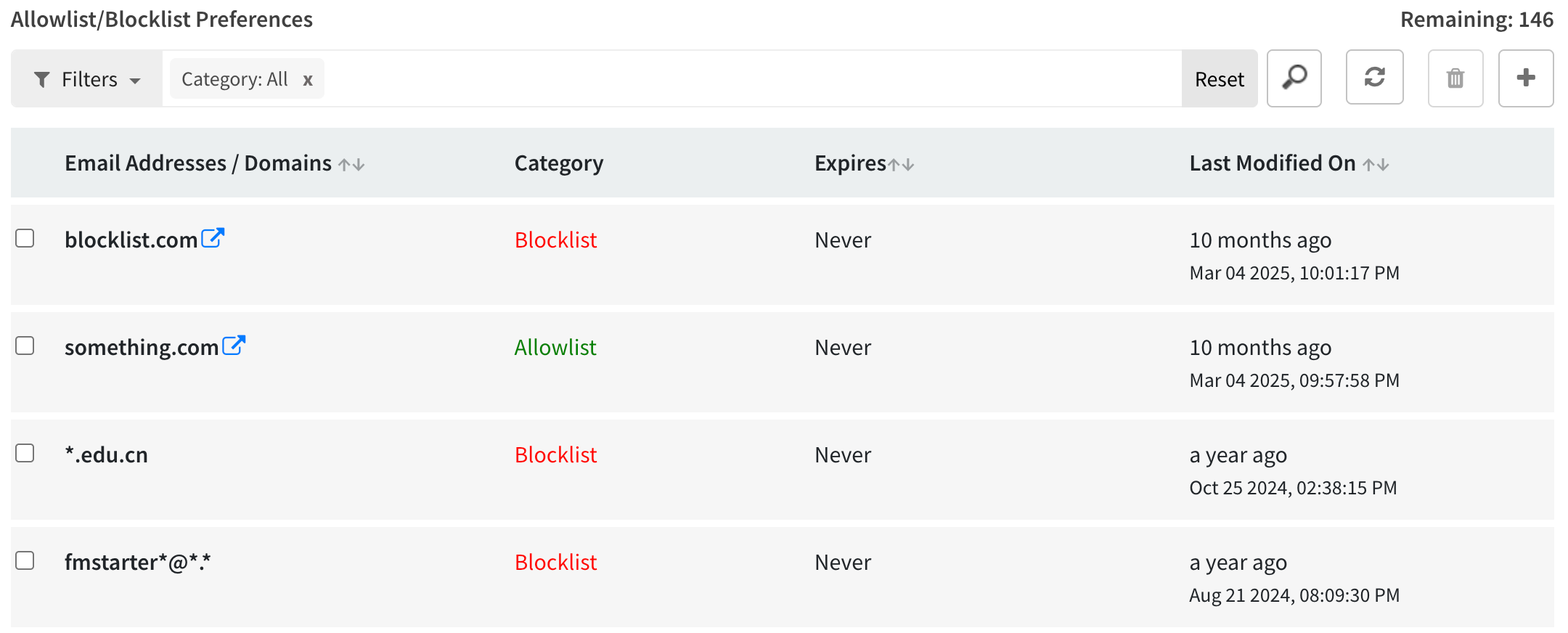
Allow/Block domains, email addresses based on your needs
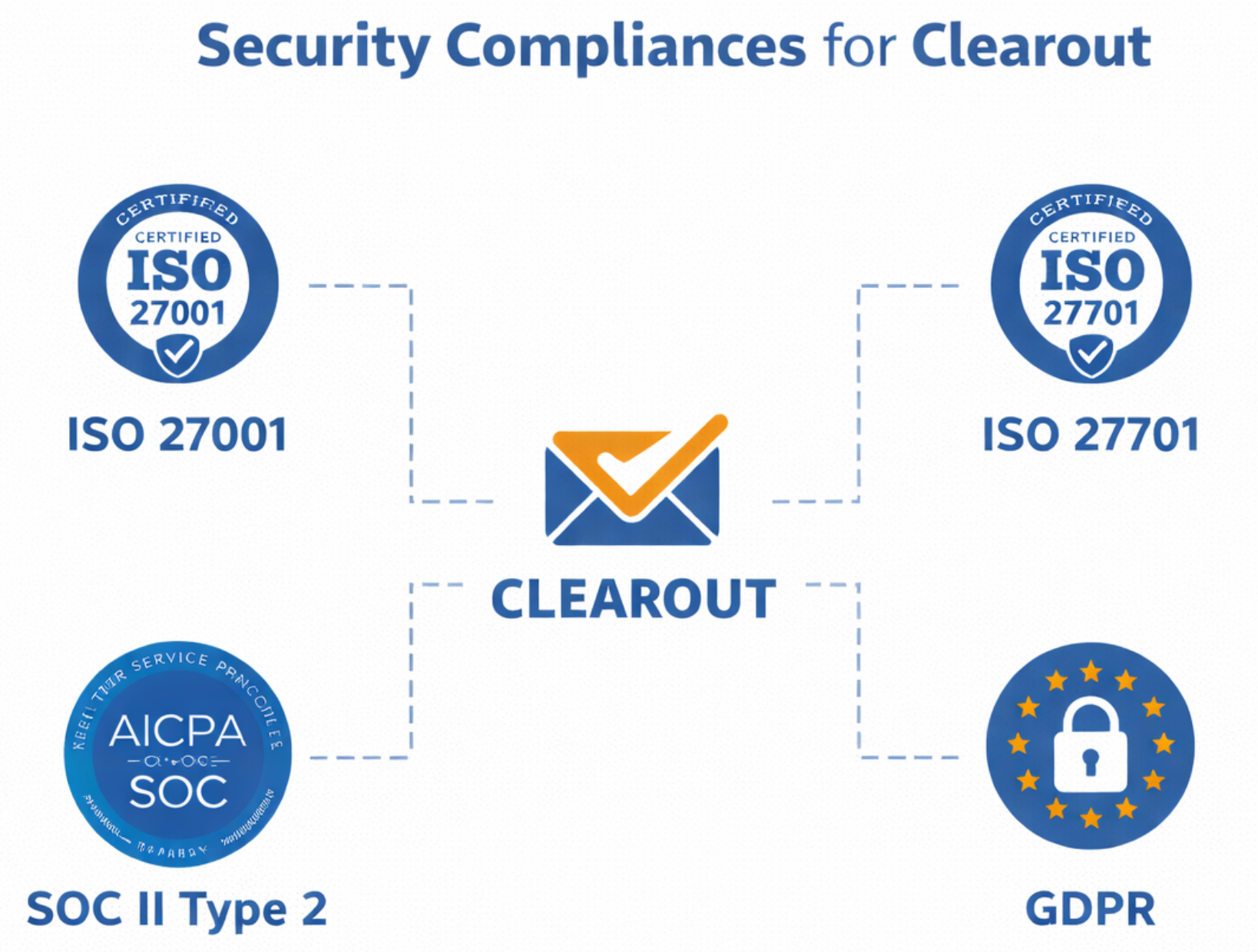
Security Compliance Frameworks supported by Clearout
| CRM |
|
| API |
|
| Automations |