> For the complete documentation index, see [llms.txt](https://docs.clearout.io/llms.txt). Markdown versions of documentation pages are available by appending `.md` to page URLs; this page is available as [Markdown](https://docs.clearout.io/prospecting/search-and-enrich.md).
# Search & Enrich
Find & enrich B2B prospect contact data
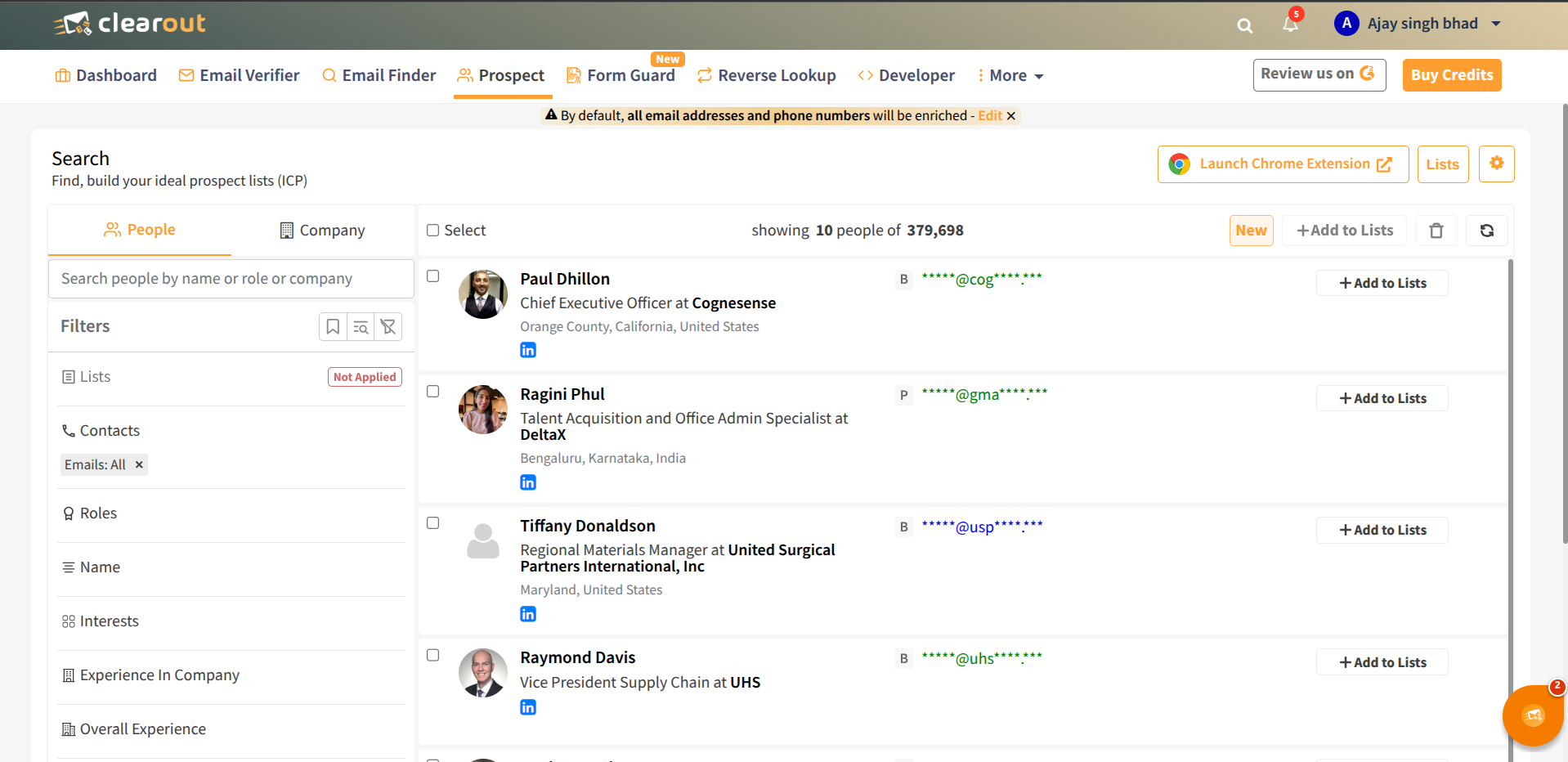
Using Clearout's **powerful in-built prospect search** and **enrichment** helps you find contacts and companies directly in the database using in-app filters and search options. You can then save results into Prospect lists and enrich them with verified emails, phone numbers, and other details for outreach
## Accessing Prospecting In-App
* Sign in to your [Clearout dashboard](https://app.clearout.io/dashboard).
* Click the Prospect tab in the top navigation.
* Click the Search icon to open the in-app Search & Enrich workspace.
* Choose whether you want to search for Contacts or Companies using the navigation bar.
## Using the filter panel
* Use the left filter panel to refine by attributes like location, role, company size, industry, technologies, and more (depending on contact vs. company mode).
* Apply at least one filter to generate results; adding more filters narrows the audience toward your ICP.
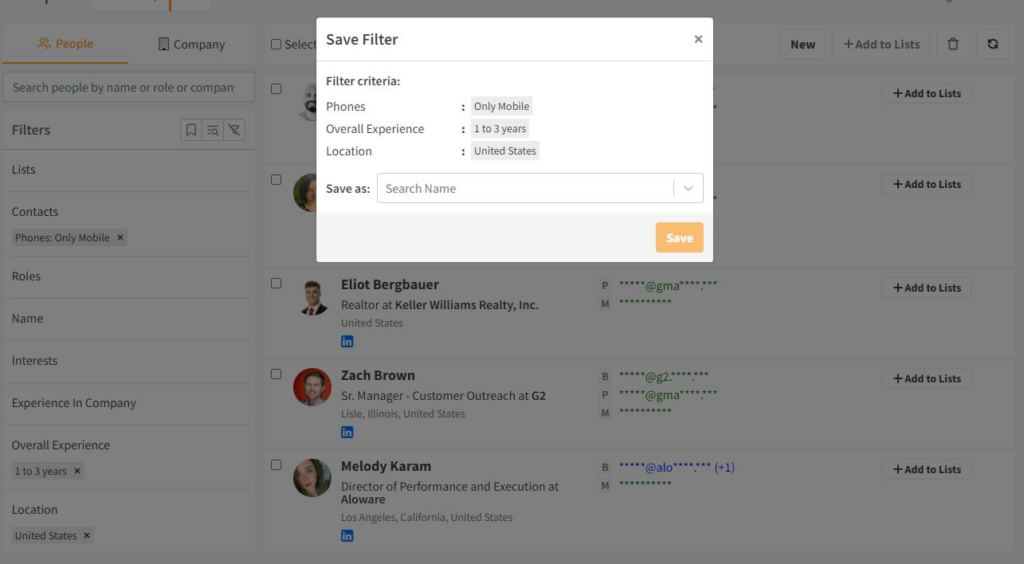
* Save frequently used filter combinations so you can quickly rerun common searches for new prospects later.
## Finding New Prospects
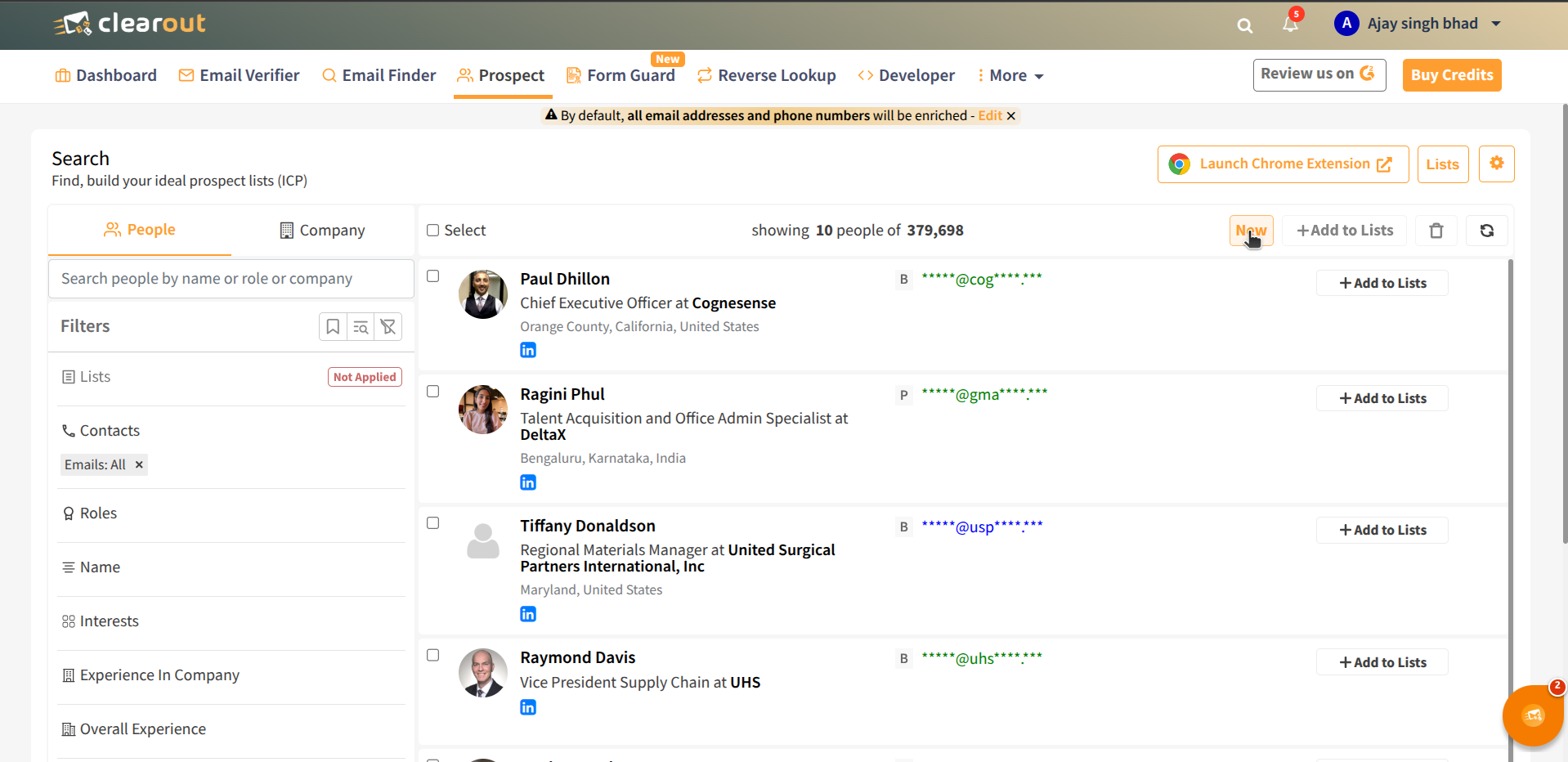
* Use the New filter to find fresh prospects that are not yet part of any existing list in your account.
* This helps you continuously discover fresh contacts and avoid re-adding or re-enriching the same records across multiple searches.
## Creating and enriching prospect lists
* After running a search, select the contacts or companies you want and add them to a new or existing Prospect list.
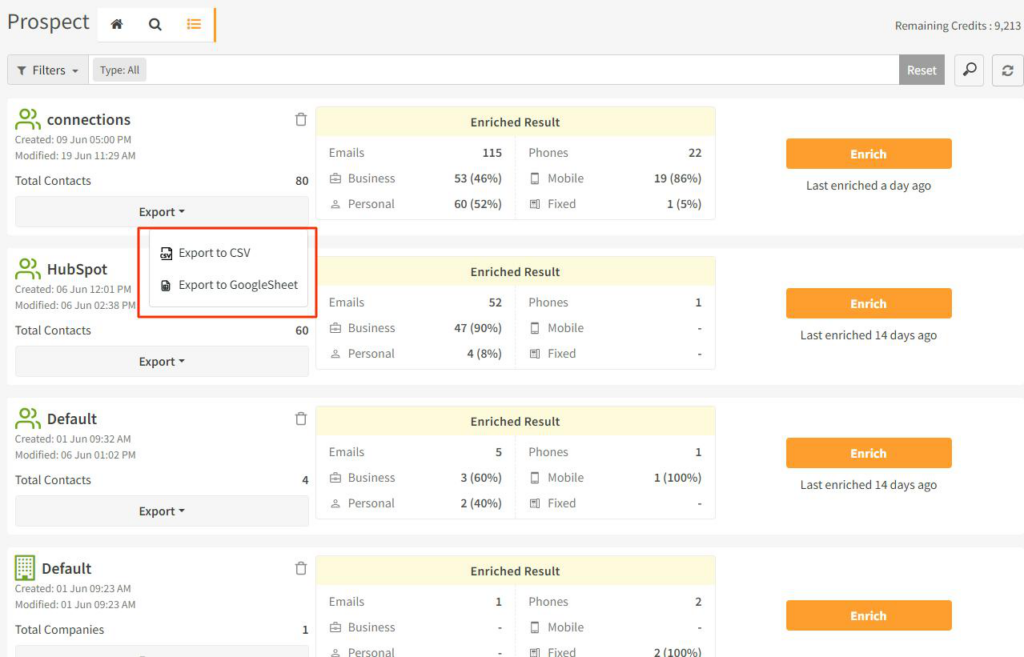
* Go to [Prospect → List](https://app.clearout.io/prospect/lists), open the list, and click Enrich to start enrichment.
* When enrichment is complete, a summary shows how many email addresses and phone numbers were added or verified for that list.
## Export Your Enriched Lists
* From the Prospect list view, export enriched data to CSV or Google Sheets for use in your CRM or outreach tools.
* For the first Google Sheets export, connect your Google account; there is no limit to how many times a list can be exported afterwards.
---
# Agent Instructions
This documentation is published with GitBook. GitBook is the documentation platform designed so that both humans and AI agents can read, navigate, and reason over technical content effectively. Learn more at gitbook.com.
## Querying This Documentation
If you need additional information that is not directly available in this page, you can query the documentation by asking a question.
Perform an HTTP GET request on the following URL with the `ask` and `goal` query parameters:
```
GET https://docs.clearout.io/prospecting/search-and-enrich.md?ask=&goal=
```
`ask` is the immediate question: it should be specific, self-contained, and written in natural language.
`goal` is what the user is ultimately trying to achieve, the reason they need the answer. Sharing it helps GitBook give you a better, more relevant answer. A goal is most helpful when it describes the outcome the user wants rather than restating the question. For example, with `ask=how do I create an API token`, a goal like `automate deployments from our CI pipeline` lets GitBook tailor the answer to that use case.
The response will contain a direct answer to the question and relevant excerpts and sources from the documentation.
Use this mechanism when the answer is not explicitly present in the current page, you need clarification or additional context, or you want to retrieve related documentation sections.